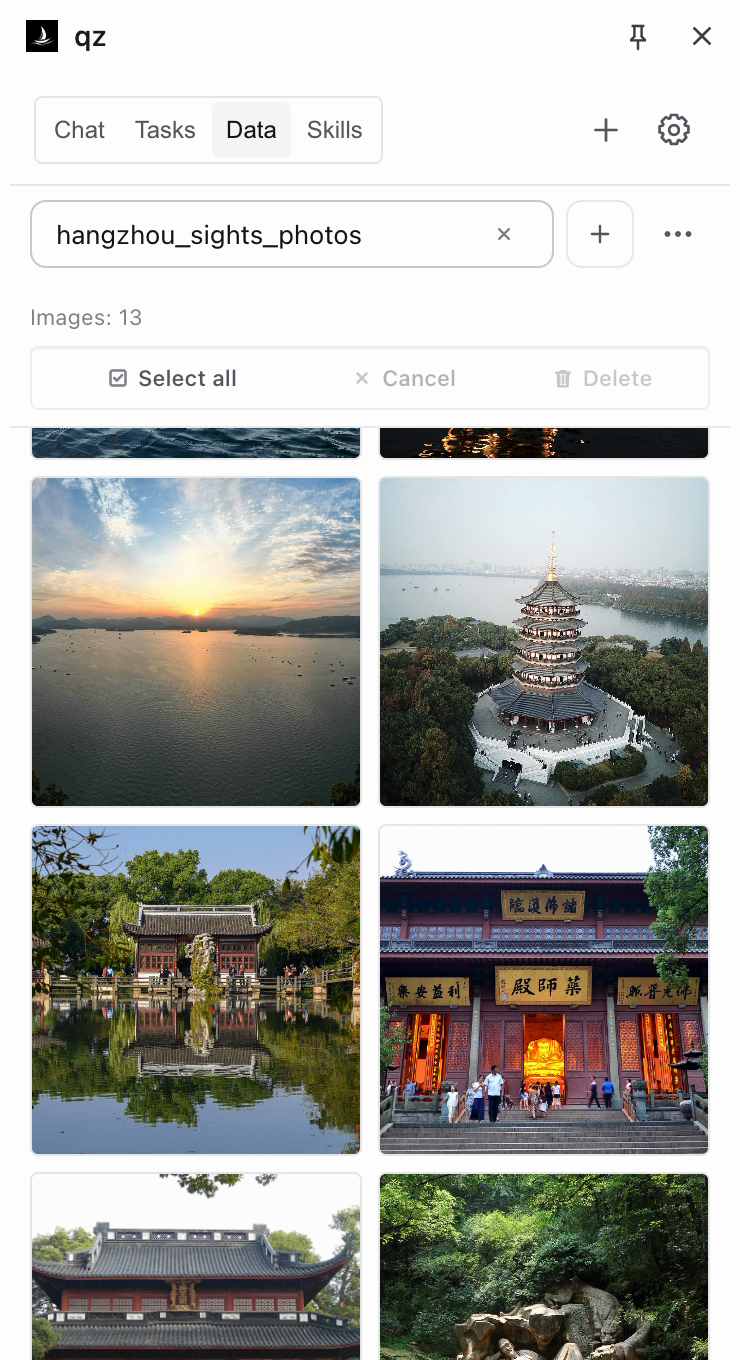
Collect images with their sources
Save photos from a page to a local collection. Browse thumbnails and open the source image. Shown here: Hangzhou landmarks from Wikipedia.
 qz / 轻舟
OPEN SOURCE · LOCAL FIRST
Read websites, automate actions, and save results as tables, files, or image collections. Connect your own model.
Chrome extension · Compatible with cloud and local model APIs
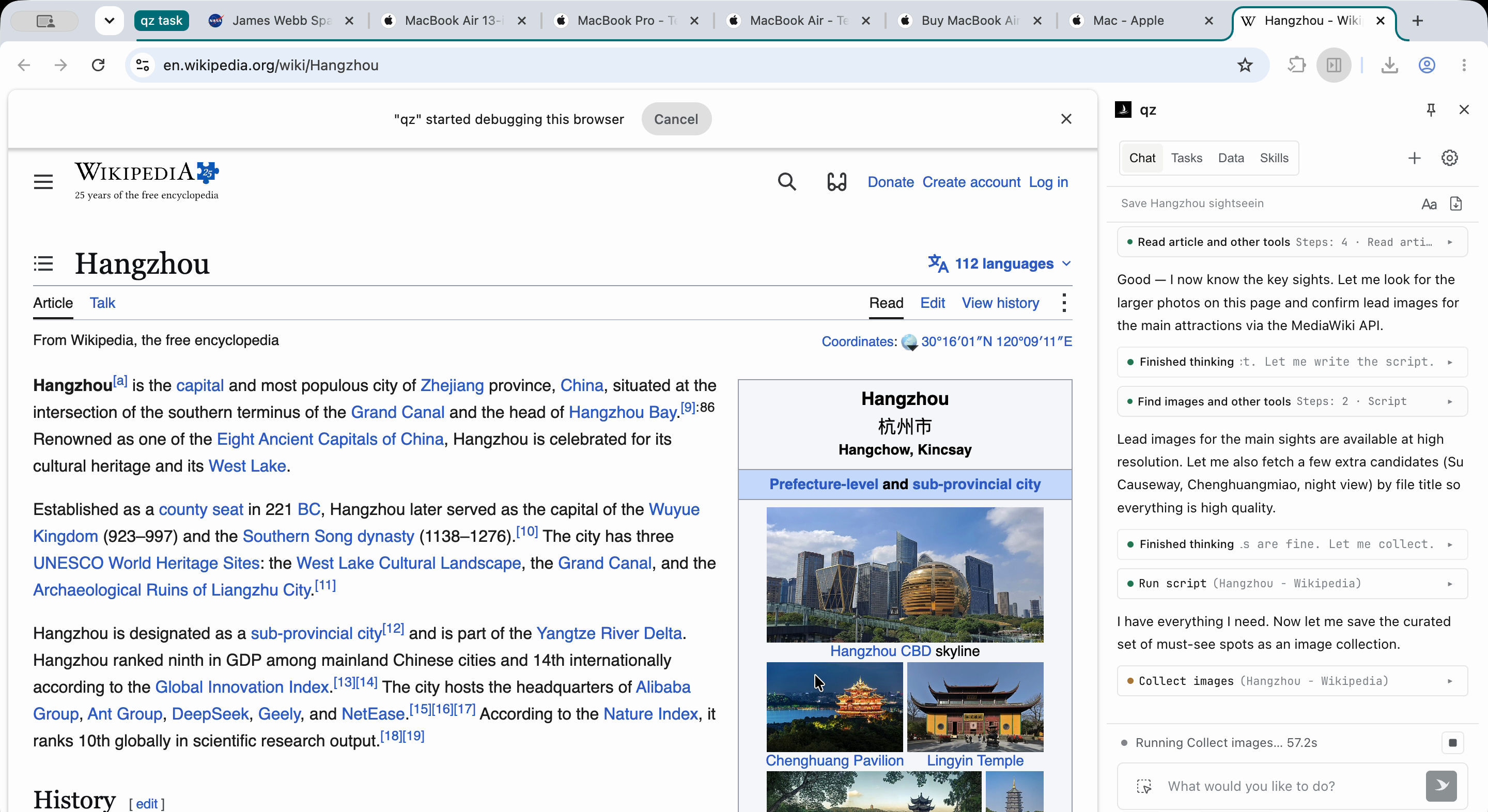
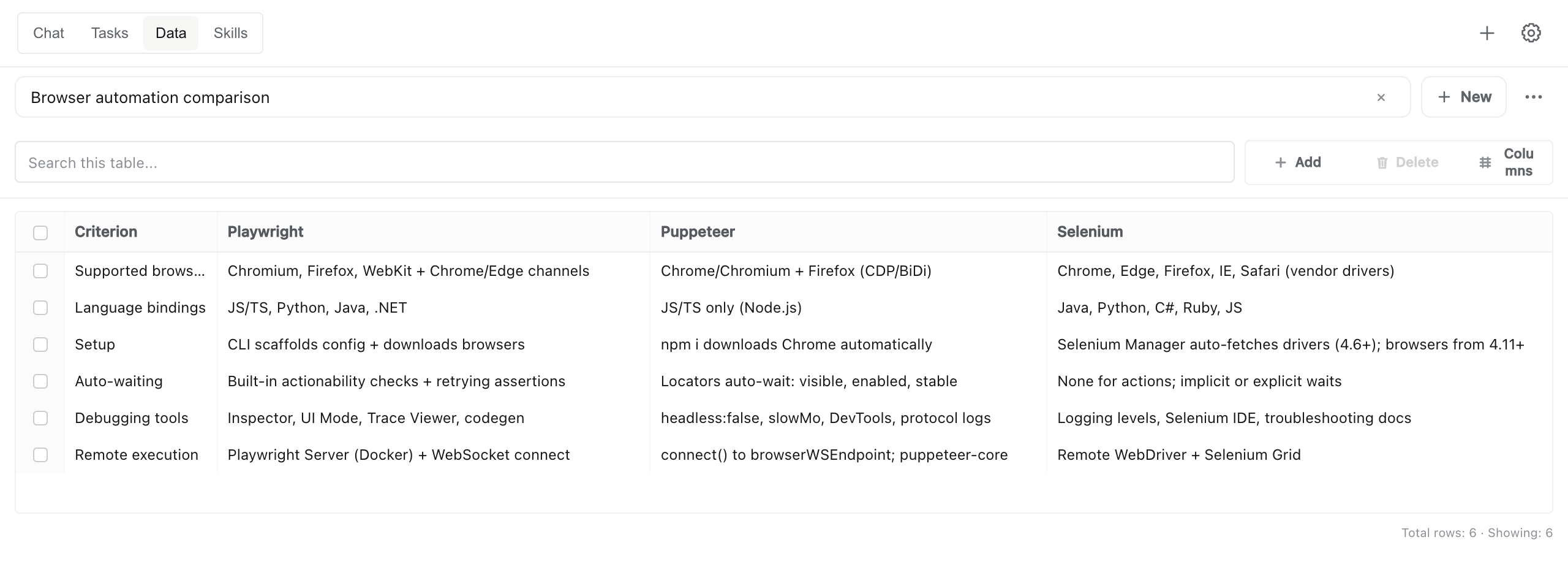
qz read the Playwright, Puppeteer, and Selenium docs and saved a six-criterion comparison. The result is a table you can edit and export.
Save photos from a page to a local collection. Browse thumbnails and open the source image. Shown here: Hangzhou landmarks from Wikipedia.
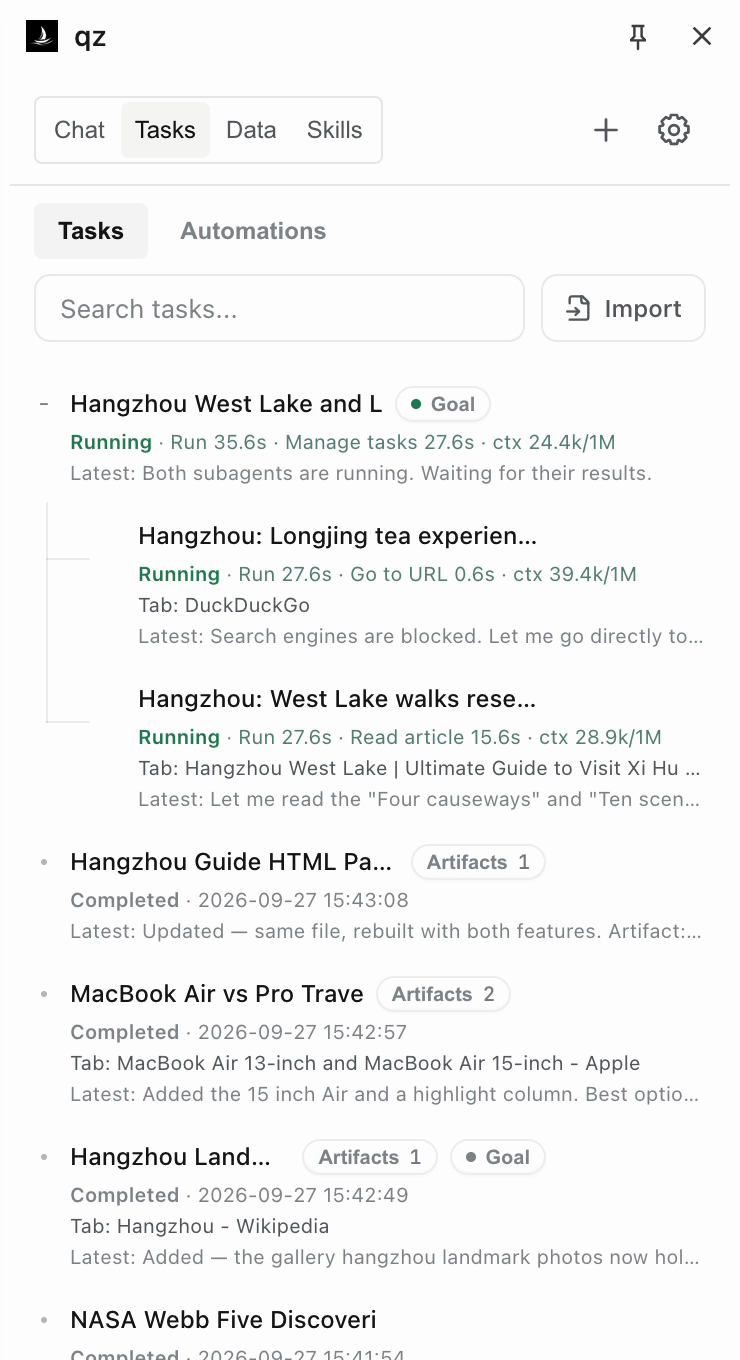
Delegate parts of a task and combine the findings. Here, agents research West Lake walks and Longjing tea experiences for a Hangzhou itinerary.
This Wikipedia Skill finds city photos and displays the results in an image grid. Its instructions, scripts, and UI can be reused on another city’s page.
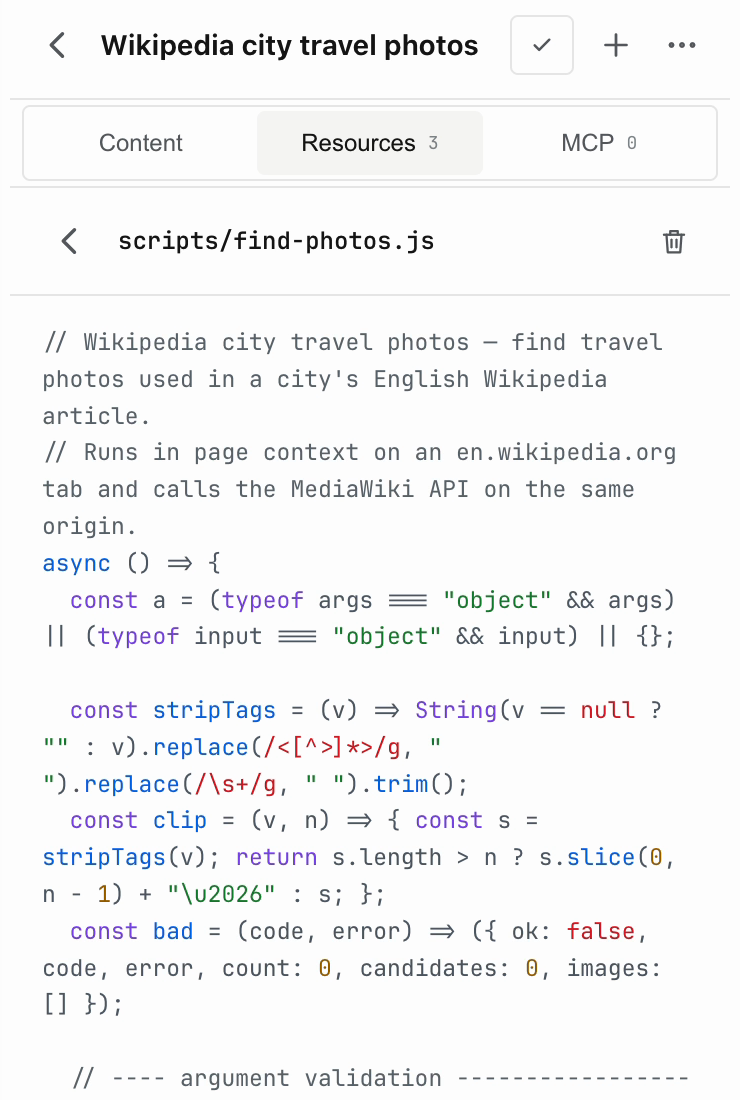
Inspect and edit a Skill’s JavaScript resources directly in the panel.
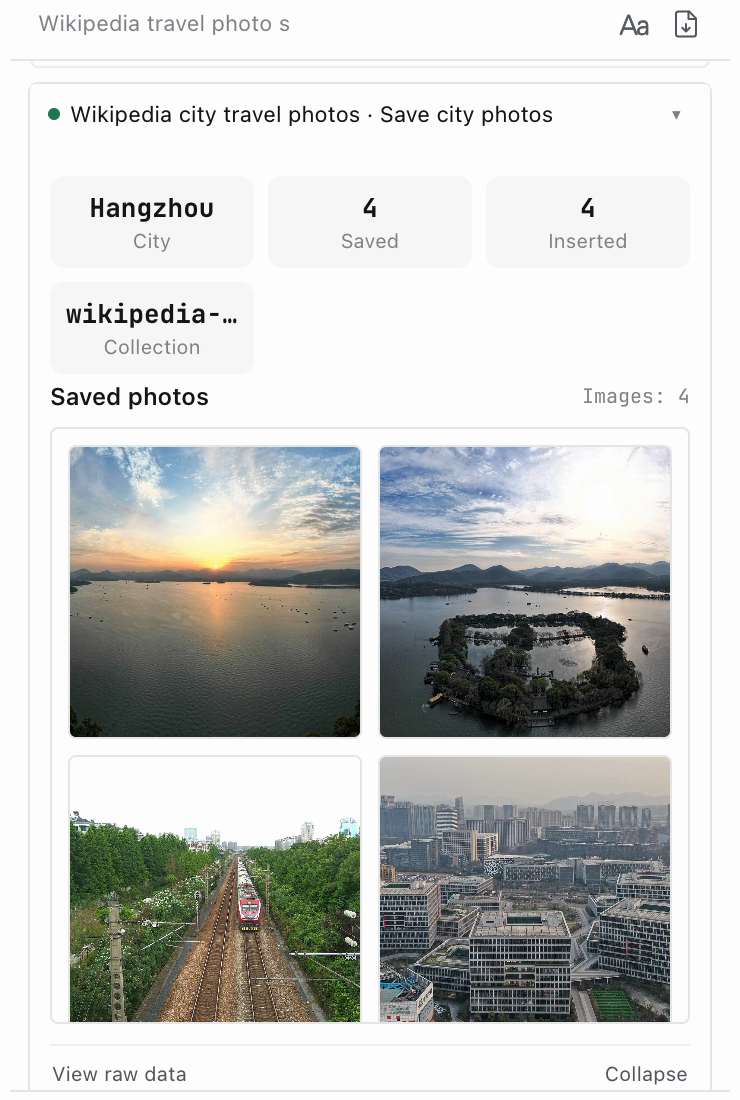
Display tool results as summary cards, image grids, or tables inside the conversation.
Install from a Git repository, edit in the panel, and activate on matching websites.
Skill guideAdd agent tools, panel views, settings pages, or providers as compiled TypeScript modules.
Capability APIGive external agents access to browser tools and task controls through a local MCP bridge.
MCP setupSessions, Skills, and collected data are stored in your browser. Connect a service with a compatible API and tool calling, including a local model server.
Task context is sent to your configured model service. Skills and MCP connections may exchange data with services you configure.
Permissions & data flowDownload the ZIP for desktop Chrome. A model API key or local model endpoint is required.
Download latest releaseInstallation guideExtract the release ZIP. Open chrome://extensions, enable Developer mode, then load the extracted extension folder.
Open qz Settings. Choose a provider, enter your credentials, select a model, and save.
Open the side panel and describe what you want to do. You can adjust the task while it runs.
Open Wikipedia’s Hangzhou page. Make a table of its main sights, with a short description and a source link for each.
qz = qingzhou (轻舟), “light boat”.
The light boat has already passed ten thousand mountains.